
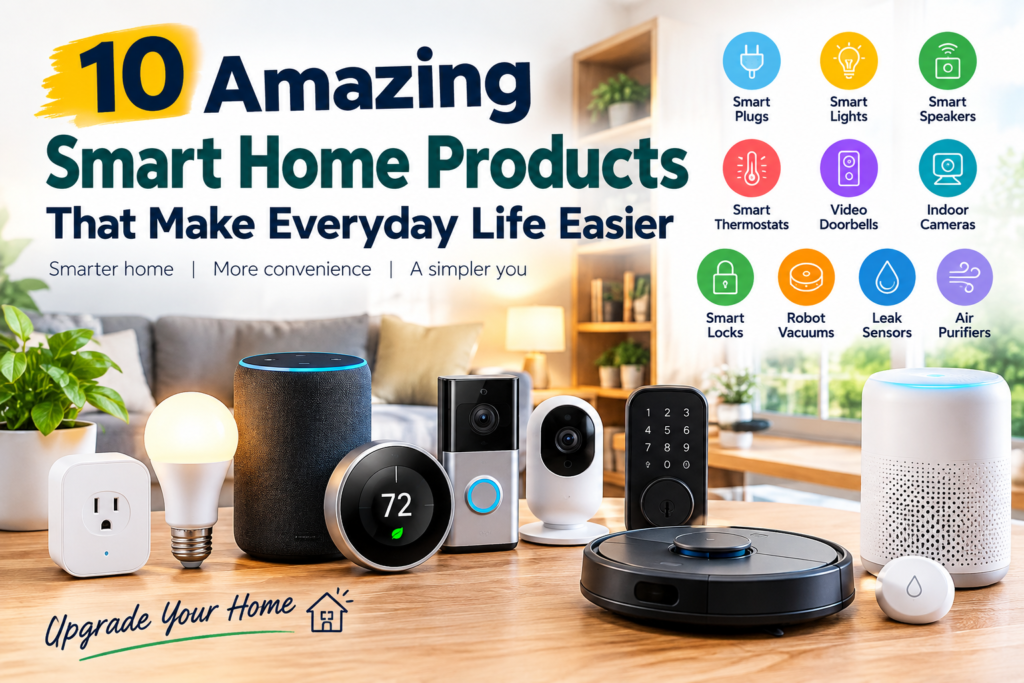
Smart home technology is no longer limited to expensive whole-home automation systems. Today, you can make a home more convenient with a few relatively simple devices that help control lighting, appliances, temperature, security, and everyday routines.
The key is not to fill your home with connected gadgets. Instead, choose devices that solve a real problem you already have.
The best smart home products are the ones that save time, reduce repetitive tasks, improve convenience, or give you useful control when you are away from home.
This guide covers 10 practical categories, what each one does, who may benefit from it, and what to consider before buying.
These smart home products can simplify everyday tasks without requiring a complicated whole-home setup.
Quick Guide: Smart Home Products
| Product | Best for | Main benefit | Setup |
|---|---|---|---|
| Smart plugs | Everyday appliances | Remote control and scheduling | Easy |
| Smart bulbs | Lighting | Scheduling and remote control | Easy |
| Smart speakers/displays | Voice control | Hands-free commands | Easy–Moderate |
| Smart thermostat | Temperature | Automatic temperature control | Moderate |
| Video doorbell | Front-door awareness | Alerts and video | Moderate |
| Smart indoor camera | Home monitoring | Remote viewing | Easy–Moderate |
| Smart lock | Entry access | Keyless and remote control | Moderate |
| Robot vacuum | Floor cleaning | Automated cleaning | Easy–Moderate |
| Smart leak sensor | Water-damage alerts | Early warnings | Easy |
| Smart air purifier | Indoor air care | Automated monitoring and control | Easy–Moderate |
1. Smart Plugs
A smart plug is one of the easiest ways to add basic automation to an existing appliance.
Instead of replacing a lamp, fan, coffee maker, or another compatible device, you connect it through a smart plug and control the plug through an app or compatible smart-home system.
Depending on the model and platform, you may be able to create schedules or control compatible devices remotely. Smart plugs are particularly useful for appliances that use a simple on/off power state.
Best for: lamps, seasonal lighting, fans, and other compatible appliances.
Pros
- Relatively simple setup
- Can automate schedules
- Useful for existing appliances
- Takes up little space
Cons
- Does not make every appliance fully “smart”
- Compatibility varies
- Some appliances require a physical button to be switched on before a smart plug can control them
Buying tip: Check the plug’s electrical rating and make sure it is suitable for the device you intend to connect.
For beginners, smart plugs are often a practical first step because they add a useful function without requiring a major change to the home.
2. Smart Light Bulbs
Smart bulbs can make everyday lighting easier to control.
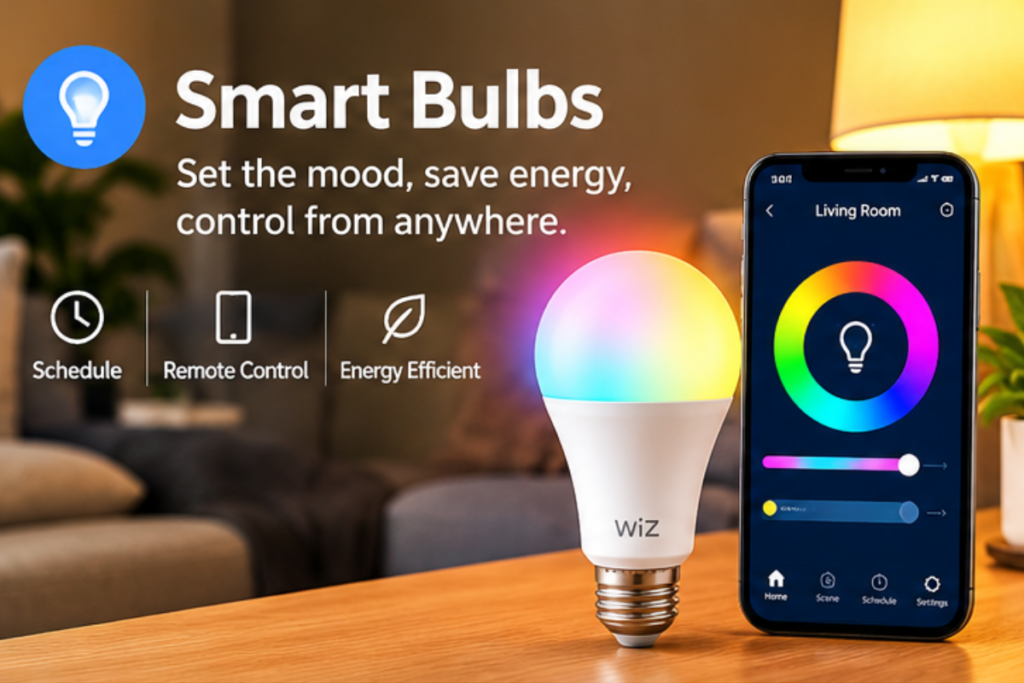
Depending on the model, you may be able to turn lights on or off remotely, create schedules, adjust brightness, or change light color. ENERGY STAR notes that connected lighting can support scheduling, remote control, occupancy-related functions, and other automation features.
A simple example is scheduling a porch or hallway light to turn on in the evening rather than remembering to switch it on manually.
Best for: bedrooms, living rooms, entryways, kitchens, and outdoor-rated fixtures where appropriate.
What to check before buying
- Bulb size and fixture compatibility
- Brightness
- Wi-Fi or hub requirements
- Voice-platform compatibility
- Dimming requirements
- Whether the bulb supports the features you actually want
One of the advantages of smart lighting is that you can start with one or two bulbs instead of replacing every light in your home.
3. Smart Speakers or Smart Displays
A smart speaker or display can become a central control point for compatible connected devices.
For example, Alexa can be used with compatible lights, plugs, thermostats, cameras, locks, kitchen appliances, and other devices.
A smart display can add a screen for information, controls, or compatible camera feeds, while a speaker focuses primarily on voice interaction.
Best for: homes with multiple compatible devices or people who want hands-free control.
Pros
- Voice control
- Can connect different device categories
- Useful for routines and basic home control
- Can also provide everyday information and entertainment
Cons
- Device compatibility varies
- Cloud-connected features may depend on internet service
- Privacy settings deserve attention
Buying tip: Decide which ecosystem you are already using before buying several devices. Staying within a compatible ecosystem can make setup easier.
4. Smart Thermostat
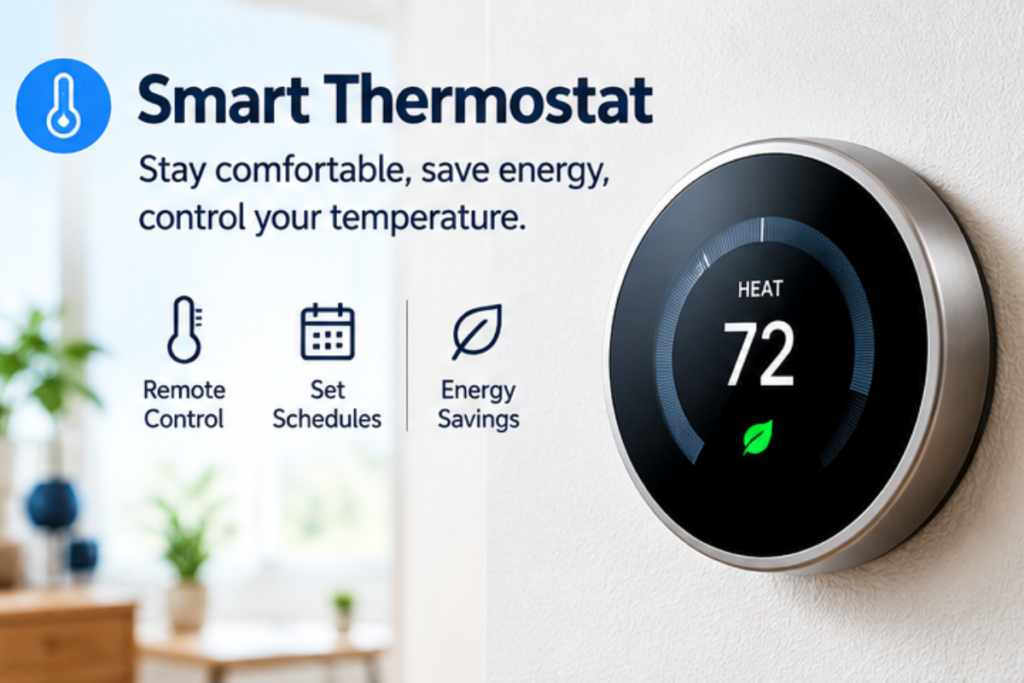
A smart thermostat can automate heating and cooling schedules while allowing remote temperature control through a connected device.
ENERGY STAR explains that certified smart thermostats can provide remote control, scheduling, learning features, and other functions, and that certified models are independently evaluated for energy savings based on real-world data.
This makes a smart thermostat different from a simple connected gadget: it can influence equipment that consumes a significant amount of household energy.
Best for: homeowners with compatible heating and cooling systems who want more automated temperature control.
Pros
- Remote temperature adjustment
- Scheduling
- Can respond to certain household routines
- Potential energy-saving benefits with qualifying models
Cons
- Compatibility with your HVAC system must be checked
- Installation can be more complicated than replacing a bulb
- Not every feature is available on every model
Important: Check your existing thermostat wiring and HVAC compatibility before buying. ENERGY STAR notes that many smart thermostats use a C-wire for consistent power, although requirements vary by model.
5. Video Doorbell
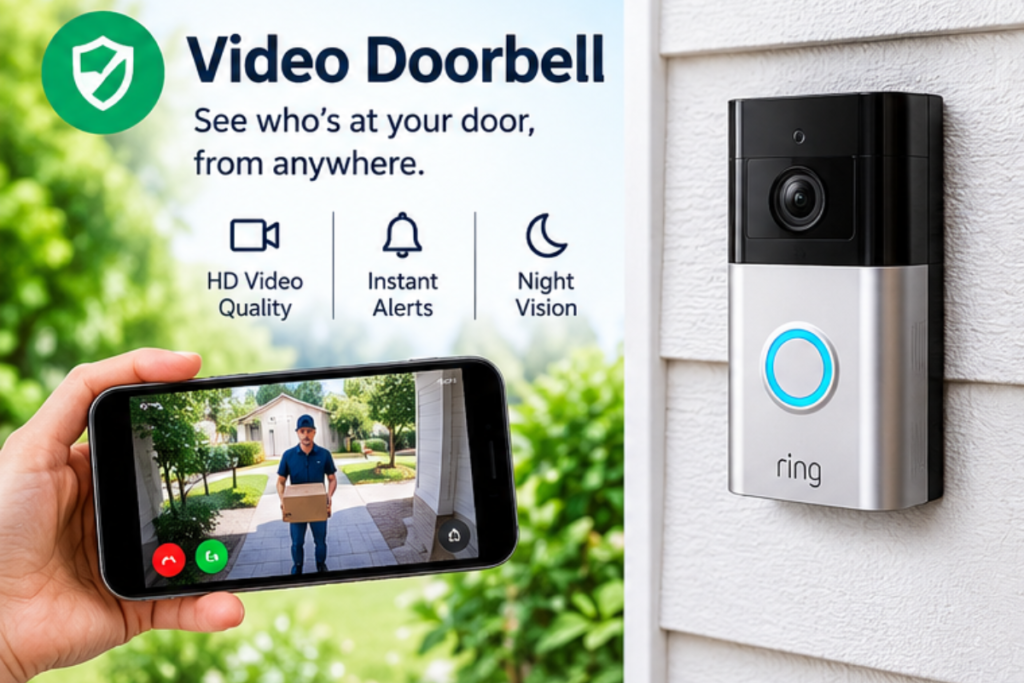
A video doorbell combines a doorbell with a connected camera and can provide alerts or video access through a compatible app.
This can be useful when you want to see activity around your front door while you are inside, working, or away from home.
Best for: homeowners and renters whose property setup allows installation and who want additional awareness around the entryway.
What to consider
Look at the video quality, night visibility, notification options, storage method, subscription requirements, and installation method.
Also consider the privacy of people who may appear within the camera’s view. A device that records a shared walkway or neighboring property should be positioned carefully and used according to applicable rules.
A video doorbell can be useful, but it should not be treated as a replacement for all other home-security measures.
6. Smart Indoor Camera
A smart indoor camera can let you check a room remotely through a compatible app.
People may use cameras to keep an eye on pets, monitor a particular room, check whether something is happening at home, or review activity when they are away.
Best for: pet monitoring, general room awareness, and specific situations where remote viewing is useful.
Think about privacy before installation
Indoor cameras can capture highly personal parts of your home. Choose placement carefully and review account permissions, recording settings, storage options, and privacy controls.
The FTC recommends securing internet-connected devices by protecting the router, changing default credentials, using available two-factor authentication, and keeping devices updated.
For a camera, these precautions are particularly important because the device can provide access to visual information about your home.
7. Smart Lock
A smart lock can replace or supplement a traditional door lock, depending on the product and your door.
Some models can provide features such as keypad entry, temporary access codes, activity notifications, or remote management. Exact features vary significantly by model.
Best for: households that want flexible entry management or prefer not to rely entirely on physical keys.
Pros
- Convenient entry options
- Temporary access can be useful
- Some models provide activity notifications
- Can integrate with other compatible systems
Cons
- Door and lock compatibility matters
- Batteries or power systems require attention
- Connectivity features vary
- A smart lock does not automatically make an entire home secure
Buying tip: Measure your existing lock and check the manufacturer’s compatibility requirements before ordering.
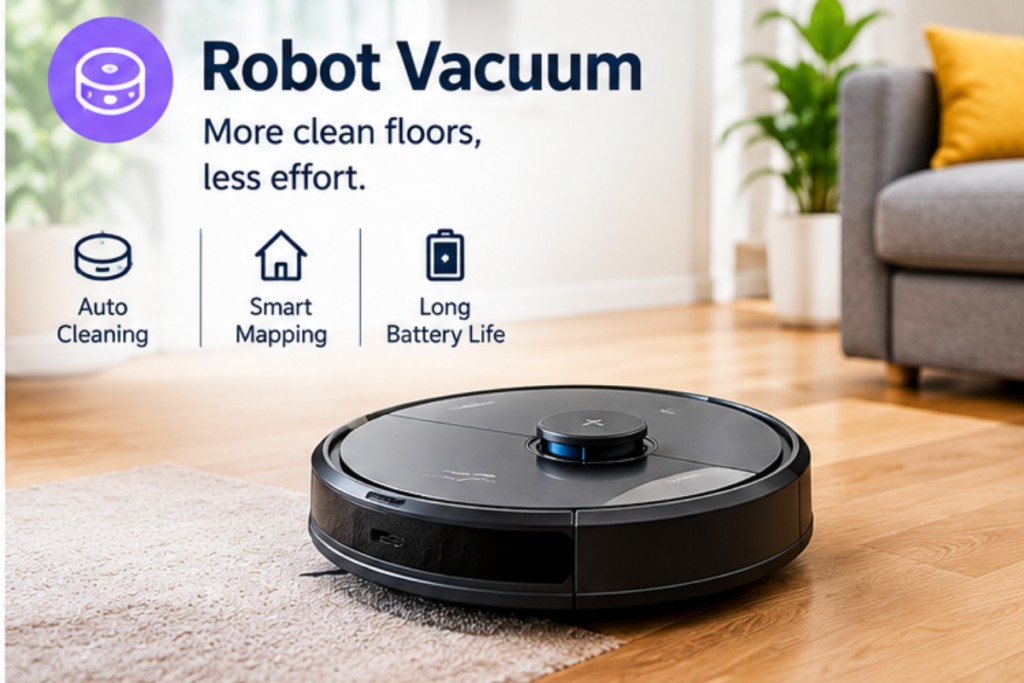
8. Robot Vacuum
A robot vacuum is designed to automate some routine floor cleaning.
Instead of manually running a vacuum each time, you can schedule compatible models to clean according to your preferred routine. Some advanced models may also provide mapping, room selection, obstacle detection, or other automated features.
Best for: households with mostly suitable hard floors or low-pile surfaces where regular automated cleaning would be useful.
Pros
- Reduces repetitive cleaning work
- Can follow schedules
- Some models can clean specific areas
- Useful for maintaining a regular routine
Cons
- Initial cost can be significant
- Requires floor preparation
- Not ideal for every floor plan
- Still needs regular maintenance
A robot vacuum is one of the smart home products where convenience depends heavily on your home’s layout. Loose cables, clutter, thresholds, and furniture can affect how well the device works.
9. Smart Leak Sensor
A smart leak sensor is a small device designed to alert you when it detects water where it should not be.
These sensors can be useful near areas such as sinks, water heaters, washing machines, refrigerators with water connections, or other locations where an unnoticed leak could cause damage.
Best for: homeowners who want earlier warning about possible water leaks.
Where to place one
Think about locations where water damage would be expensive or difficult to notice quickly.
For example, placing a sensor near a washing machine or under a sink can provide another layer of awareness.
A leak sensor does not stop a leak by itself. Its value comes from giving you information quickly so you can investigate and take action.
This is particularly useful when you’re away from home for extended periods.
10. Smart Air Purifier
A connected air purifier can combine air filtration with app-based controls, schedules, or sensor information, depending on the model.
Some models can adjust operation based on detected conditions, while others mainly provide remote control and monitoring.
Best for: people who want automated operation or more information about the air-cleaning device they use.
What to check
Do not focus only on the word “smart.”
Check:
- Appropriate room size
- Filter type
- Replacement-filter cost
- Noise level
- Energy use
- Availability of replacement filters
- App and connectivity requirements
- Sensor features
A connected air purifier is only useful when the underlying filtration and maintenance requirements make sense for your room.
How to Choose Smart Home Products
The easiest mistake is buying several connected devices without deciding how they will work together.
Before buying, think about the problem you want to solve.
1. Start With One Real Problem
Maybe your problem is forgetting to turn off a lamp, adjusting the thermostat manually, checking the front door, or keeping floors cleaner.
Start with that problem instead of buying devices simply because they have smart features.
2. Check Ecosystem Compatibility
Not every smart device works with every platform.
Amazon, for example, provides compatibility guidance for Alexa-connected devices and recommends checking whether a device is Alexa-compatible before connecting it.
Compatibility labels can help, but always check the actual requirements of the model you are buying.
3. Look for Matter Support
Matter is an industry standard designed to improve interoperability between compatible smart-home devices and platforms. The Connectivity Standards Alliance describes Matter as a common connectivity standard intended to make compatible devices from different brands work together more easily.
Matter does not mean every device will work with every feature on every platform, so you should still verify compatibility.
4. Consider Wi-Fi Requirements
Some connected devices use Wi-Fi, while others can use technologies such as Thread or require a hub.
Check what your home network supports before buying multiple devices.
Amazon notes that many smart-home Wi-Fi devices operate on the 2.4 GHz band, for example.
5. Check Subscription Requirements
Some products provide core features without a monthly fee, while others may place certain storage, monitoring, or advanced features behind a subscription.
Read the current product terms before buying so you know what you are actually paying for.
The most useful smart home products are the ones that solve a specific problem in your daily routine.
Smart Home Products for Small Homes and Apartments
You do not need a large house to benefit from smart technology.
In a small apartment, start with compact devices that solve everyday problems without taking up much physical space.
A smart plug can automate a lamp. Smart bulbs can reduce the need for manual lighting control. A compact smart speaker can provide voice control. A robot vacuum can help with regular floor cleaning.
For more small-space inspiration, see our guide to 15 Small Kitchen Storage Ideas to Maximize Every Inch.
The goal is to make your home more convenient, not more complicated.
Smart Home Safety and Privacy Tips
Connected devices are part of your home network, so security should be considered before and after installation.
The FTC recommends changing default credentials, using strong unique passwords, enabling two-factor authentication where available, keeping devices updated, and securing the home router.
For cameras, doorbells, locks, and other sensitive devices, spend a few minutes reviewing privacy and security settings.
A simple checklist
- Change default passwords
- Use unique passwords
- Enable two-factor authentication when available
- Install software and firmware updates
- Review app permissions
- Secure your home Wi-Fi
- Review recording and data-sharing settings
- Remove old devices from your accounts
The convenience of connected technology is much more valuable when the devices are managed responsibly.
Common Smart Home Buying Mistakes
Buying based only on features
A long list of features does not necessarily mean a device will be useful in your home.
Ignoring compatibility
Always check whether a device works with your chosen ecosystem and existing equipment.
Buying too many devices at once
Start small. Once you understand how one device works, adding another becomes easier.
Forgetting ongoing costs
Replacement filters, batteries, subscriptions, or accessories can affect the long-term cost.
Ignoring privacy
Connected cameras, speakers, locks, and other devices can handle sensitive information. Review the privacy settings before using them.
How to Build a Smart Home Step by Step
You can build a useful connected home gradually.
Step 1: Choose one problem
Identify the task you want to automate or simplify.
Step 2: Buy one suitable device
Check compatibility, installation requirements, privacy settings, and ongoing costs.
Step 3: Learn the app
Spend time understanding schedules, notifications, permissions, and automation options.
Step 4: Create a simple routine
For example, you might schedule lighting or automate a compatible appliance.
Step 5: Expand only when needed
Once your first device works reliably, add another device that solves a different problem.
This approach prevents your home from becoming cluttered with gadgets that rarely get used.
Are Smart Home Products Worth It?
They can be, but their value depends on the problem they solve.
A smart plug that automatically controls a lamp you forget to switch off may be genuinely useful. A smart thermostat may provide meaningful control if your HVAC system is compatible. A robot vacuum may save repeated manual effort if your floor plan suits it.
On the other hand, adding a connected feature to something you rarely use may not provide much practical benefit.
The best smart home products are not necessarily the ones with the longest feature lists. They are the ones that fit naturally into your routine.
Frequently Asked Questions
What are the best smart home products for beginners?
Start with simple devices such as smart plugs, smart bulbs, or a compatible smart speaker. These can introduce basic automation without requiring a complicated installation.
Can I build a smart home without replacing my appliances?
Yes. Devices such as smart plugs and compatible smart bulbs can add connected control to some existing equipment without replacing the entire appliance.
Do smart home products work together?
Some do, but compatibility varies. Check the device’s supported platforms before buying. Matter can improve interoperability between compatible devices, but it does not guarantee that every feature will work across every ecosystem.
Are smart home devices safe to use?
Connected devices can be useful, but they should be secured properly. Use strong unique passwords, enable two-factor authentication when available, install updates, and secure your home network.
Do smart home products need Wi-Fi?
Not always. Some devices use Wi-Fi, while others may use Thread, Bluetooth, Ethernet, or a hub-based connection depending on the product.
What smart home products are useful in a small apartment?
Smart plugs, smart bulbs, compact speakers, smart sensors, and robot vacuums can be useful where space is limited. Choose devices based on actual problems rather than adding technology simply for the sake of automation.
Are smart thermostats worth considering
A smart thermostat can be useful when it is compatible with your HVAC system and you want remote control, scheduling, or automated temperature management. ENERGY STAR recommends checking system compatibility before choosing a model.
Do smart home devices require monthly fees?
Not always. Some products offer their main features without a subscription, while others charge for certain cloud storage or advanced services. Check the current terms before purchasing.
What should I check before buying a smart home product?
Check compatibility, connectivity requirements, installation, privacy features, subscription costs, ongoing maintenance, and whether the device actually solves a problem in your home.
Which smart home products are best for beginners?
Simple smart home products such as smart plugs, smart bulbs, and compatible smart speakers are good starting points because they are relatively easy to set up and use.
Related Small Kitchen Organization Guides
If you are working on a small kitchen, these GRAPCY Hub guides can help you organize other storage areas:
- 15 Small Kitchen Organization Ideas That Actually Work
- 10 Spice Rack Ideas for Small Kitchens and Better Organization
- 12 Kitchen Cabinet Organization Ideas for Small Spaces
- 15 Small Kitchen Storage Ideas to Maximize Every Inch
- 15 Small Kitchen Countertop Organization Ideas
- 12 Small Pantry Organization Ideas for Better Storage
Final Thoughts
Building a connected home does not have to mean buying dozens of gadgets. A better approach is to identify everyday tasks that take unnecessary time and choose technology that can simplify them.
Smart plugs and bulbs are easy places to start, while smart thermostats, locks, cameras, sensors, robot vacuums, and other connected devices can address more specific needs.
Choose based on compatibility, privacy, maintenance, and real-world usefulness rather than the number of features listed on the box.
The best smart home products should make your home feel easier to manage—not make everyday life more complicated.
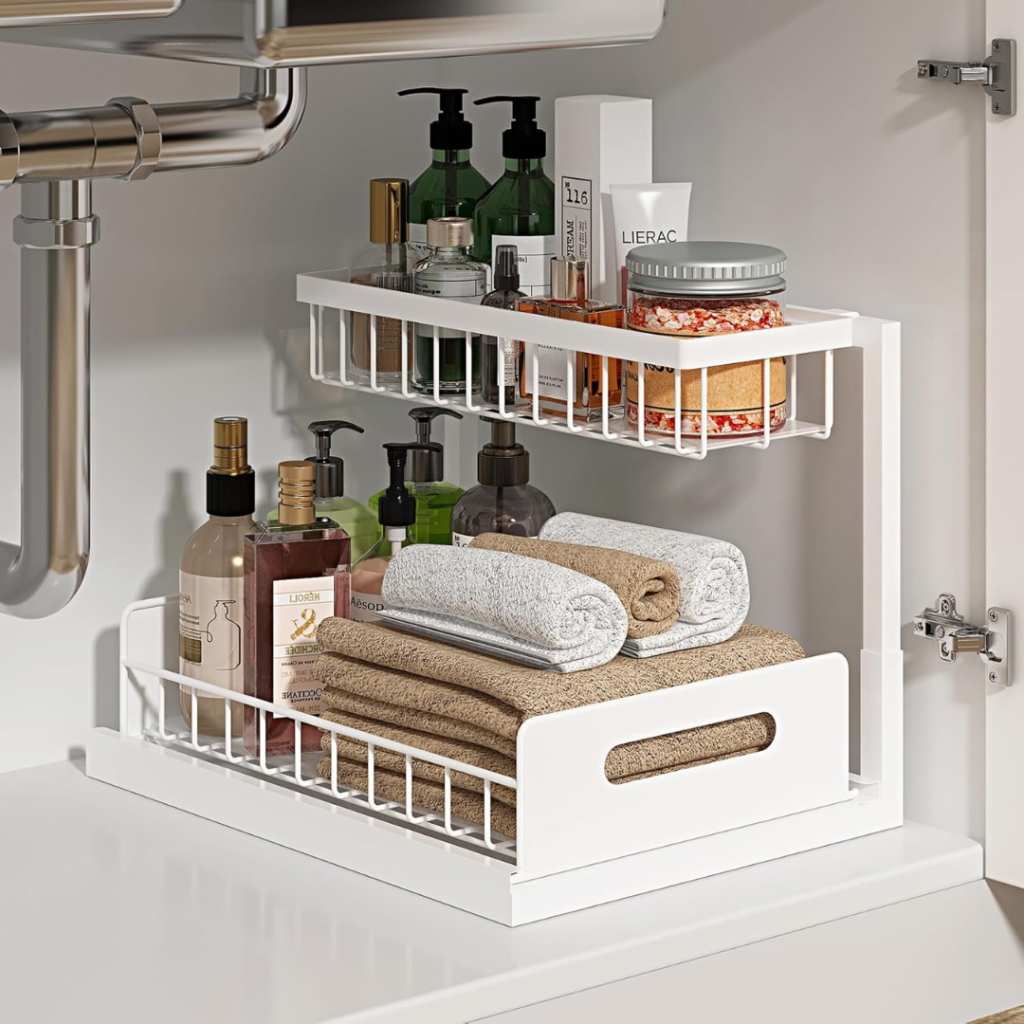
Sink Organizer
Key Features:
- L-Shaped 2-Tier Design – Makes use of vertical space while leaving room for plumbing and taller bottles.
- Pull-Out Drawer – Slides out from either side for easier access to items at the back.
- Tool-Free Installation – Includes suction cups and adhesive for stable placement without drilling.
- Sturdy & Rust-Resistant – Steel construction with a water-friendly grid design and removable pads.
- Versatile Storage – Great for under-sink cabinets, kitchens, bathrooms, and laundry areas.
- Size: 14.2 × 10.6 × 11 inches; bottom tier fits bottles up to 8 inches tall.
As an Amazon Associate I earn from qualifying purchases.